
Boost Your Engagement with Facebook’s Group Within Pages Feature
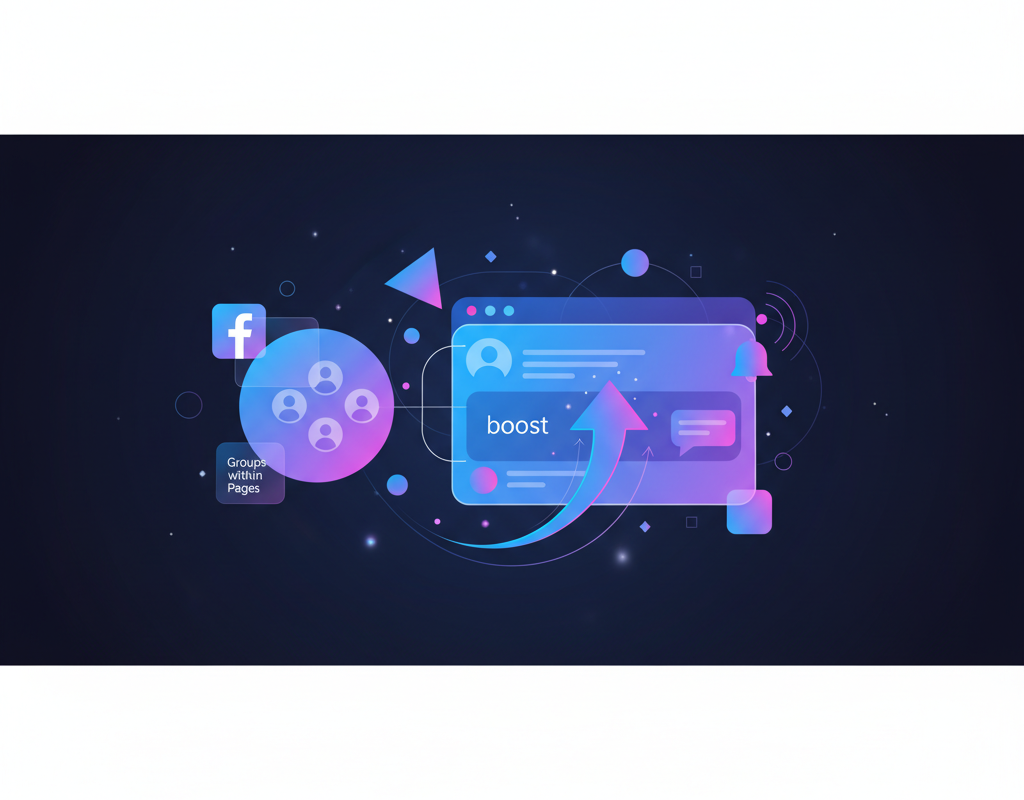
What Is Facebook’s Group Within Pages Feature?
Facebook’s Group Within Pages feature is a built-in tool that lets businesses link a Facebook Group directly to their Facebook Page, combining brand authority with community-driven engagement in one unified experience. This integration allows page administrators to foster discussions, gather feedback, and increase organic reach without requiring followers to navigate away from their brand’s primary presence.
Facebook’s Group Within Pages is a native integration, not a third-party workaround — it is designed specifically to merge community interaction with official brand communication.
This feature is not a replacement for your Facebook Page — it is a complementary layer that adds two-way conversation to your existing one-way broadcasting channel.
How Facebook Group Within Pages Boosts Engagement
Facebook Group Within Pages boosts engagement by shifting your audience from passive content consumers to active community participants. According to Facebook for Business, pages that have linked groups see significantly higher interaction rates compared to pages relying on feed posts alone.
Key engagement benefits include:
- Members receive group post notifications, bypassing algorithmic feed suppression
- Discussion threads encourage repeat visits and longer session times
- Polls, Q&As, and events create interactive touchpoints
- User-generated content within groups builds social proof organically
- Community members become brand advocates who share content externally
According to Sprout Social’s 2025 Index, branded Facebook Groups generate up to 5x more engagement per post than standard page posts, making the Group Within Pages feature one of the highest-ROI tools available to social media marketers.
How to Set Up a Facebook Group Within Your Page
Setting up a Facebook Group Within Pages requires just a few steps from your page’s admin panel. Follow this numbered process to link or create a group:
- Navigate to your Facebook Page and click Settings in the left-hand menu
- Select Templates and Tabs from the settings options
- Scroll to the Groups tab and toggle it on if it is not already visible
- Return to your Page and click the new Groups tab
- Choose Create Group to build a new community or Link Existing Group to connect a group you already manage
- Set the group name, privacy level (Public or Private), and description
- Invite initial members and publish your first welcome post
Once linked, the group appears directly on your Page, giving visitors immediate access to your community without a separate search.
Facebook Group Within Pages vs. Standalone Groups
Facebook Group Within Pages differs from standalone groups in several important ways. The table below compares the two approaches to help you decide which fits your brand strategy.
| Feature | Group Within Pages | Standalone Group |
|---|---|---|
| Brand association | Directly linked to official Page | No automatic Page connection |
| Discoverability | Visible via Groups tab on Page | Found only through search or invites |
| Admin tools | Managed from Page admin panel | Managed separately |
| Trust signals | Inherits Page verification badge | No inherited verification |
| Content crossover | Page posts can be shared into group easily | Requires manual cross-posting |
| Analytics | Unified insights with Page metrics | Separate group-only insights |
For brands focused on building community engagement tied to their official identity, the Group Within Pages approach provides stronger discoverability and trust.
Best Practices for Managing Your Facebook Group Within Pages
Facebook Group Within Pages management requires consistent effort and clear community guidelines. These best practices will help you maximise engagement:
- Set clear rules — Pin a welcome post outlining group guidelines and expectations
- Post consistently — Share discussion prompts, polls, or exclusive content at least 3-4 times per week
- Respond quickly — Reply to member posts and questions within 24 hours to build trust
- Use group-exclusive content — Offer early access, behind-the-scenes updates, or discounts only available in the group
- Appoint moderators — Recruit active members to help manage discussions and flag spam
- Leverage group insights — Review engagement metrics monthly to identify top-performing content types
- Cross-promote — Mention the group in Page posts, email newsletters, and other marketing channels
Consistent moderation and value-driven content are what separate thriving Facebook brand communities from inactive ones.
Frequently Asked Questions About Facebook Group Within Pages
Can you link multiple Facebook Groups to one Page?
Yes, Facebook allows you to link multiple groups to a single Page. This is useful for brands that want to segment their community by topic, product line, or geographic region while keeping all groups accessible from one central Page.
Does Facebook’s Group Within Pages feature cost anything?
No, the Group Within Pages feature is completely free. It is a native Facebook tool included with every Facebook Business Page at no additional cost. There are no premium tiers or paid upgrades required to link a group to your Page.
Will a linked Facebook Group help with organic reach?
Yes, linked Facebook Groups help with organic reach because group posts receive higher priority in the News Feed algorithm compared to standard Page posts. Members also receive notifications for group activity, which drives more consistent traffic back to your brand’s content.
Can I unlink a Facebook Group from my Page later?
Yes, you can unlink a Facebook Group from your Page at any time through the Groups tab in your Page settings. Unlinking the group does not delete it — the group continues to exist independently, but it will no longer appear on your Page or share admin tools.
What privacy settings are available for a Group Within Pages?
Facebook offers two privacy settings for linked groups: Public, where anyone can see posts and members, and Private, where only members can view group content. Most brands choose Private groups to create a sense of exclusivity and encourage more open discussion among members.
Ready to grow your brand?
Take the first step towards improving your digital presence.
Build Your Campaign TodayLatest Influencer Marketing Articles

The Seven Step Pathway to Video Virality
Relatability and Relevancy Popular events such as big football matches or live festivals constantly generate copious amounts of trending topics …

You What? YouTube Optimisation Explained
Keywords First things first – find all the brands you classify as competitors. While you probably have an idea of …
The Rise and Rise of Amazon Advertising
Essentially, Amazon works similarly to Google AdWords and has become a search engine that has been capitalising on the advertising …